
MarketWatch Workshop – Trends, Buy/Hold/Sell Signals & Market Analysis
MarketWatch is one of the most powerful modules within TransStock.
In this workshop, you will discover how to gain insight into both upward and downward trends in just a few minutes a day,
buy/hold/sell indications, sector strength, and rankings of the strongest risers and fallers.
Preface
Many investors use MarketWatch daily to bring structure to their market overview.
However, few users know the full power of the module.
In this workshop, we show how you in just two steps immediately see which shares are giving a positive trend signal today:
- ➡️ Step: 1 Select MarketWatch
- ➡️ Step: 2 Choose Trend: Buy – done, you have your BUY today
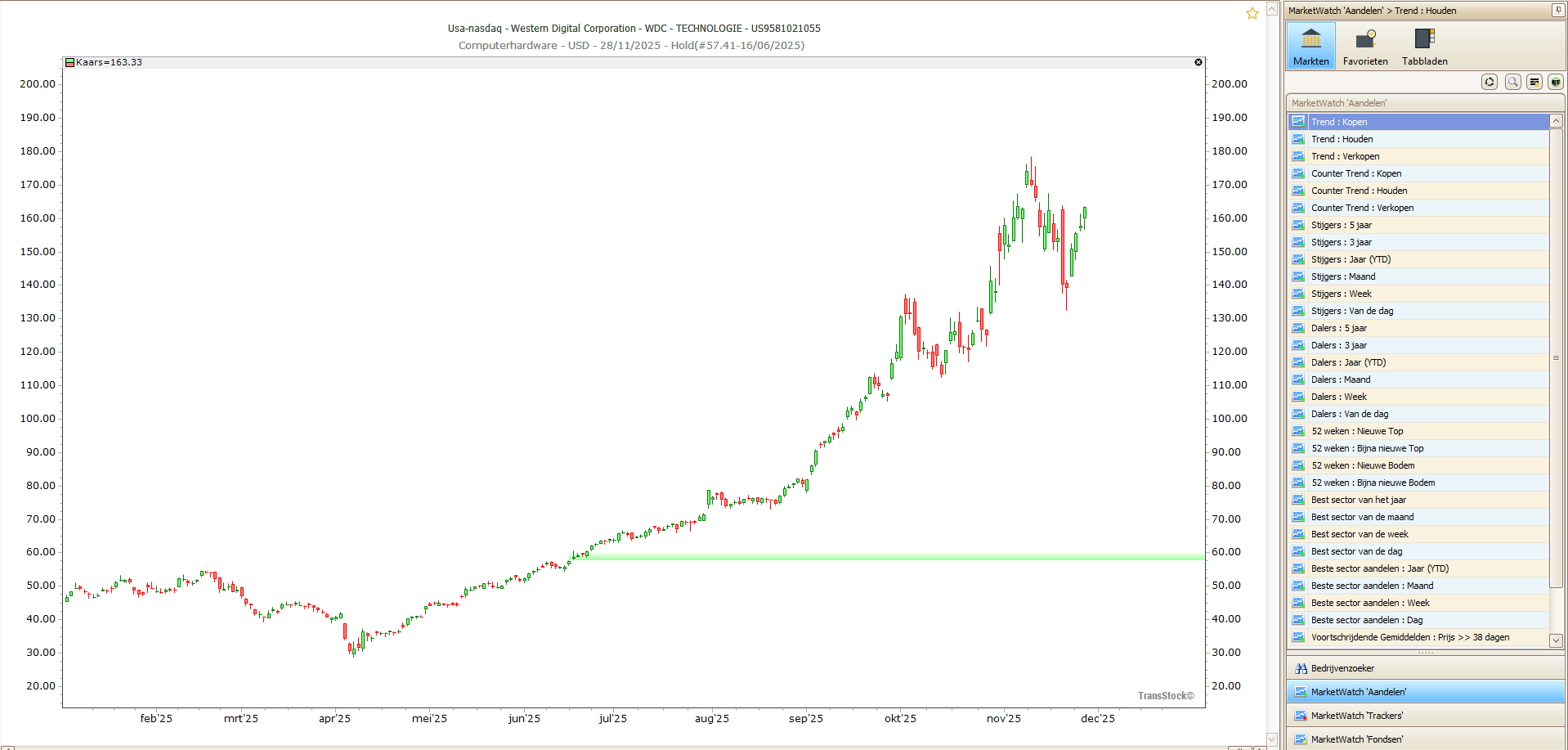
In addition to signals in upward markets, you will also receive clear signals in downward trendsStocks under pressure automatically move towards Trend: Sell, so that you can clearly monitor both rising and falling movements.
In addition, you have a comprehensive overview of 27 folders with powerful arrangements including:
- 📈 The strongest risers from day to 5 years
- 📉 The biggest losers in different periods
- 🏆 The strongest sectors and sector trends
- 📊 Stocks trading well above or below their moving averages
These insights will help you build a clear market overview and in 15 minutes a day monitor your positions in a structured manner.
🔑 What you will learn in this MarketWatch workshop
- Understanding buy, hold, and sell signals: how to use Buy, Hold and Sell to clearly track upward and downward trends.
- Daily workflow in 15 minutes: how to quickly see which shares are moving interestingly today and which positions deserve extra attention.
- Working with the 27 MarketWatch folders: Discover rankings for strongest gainers/fallers, sector strength, momentum, and deviations from averages.
- Analyze sector and market strength: how to see at a glance which sectors are building or losing momentum.
- Practical tips & best practices: how to optimally use MarketWatch for speed, overview and consistent follow-up.
👥 For whom?
- Investors who want to understand trends and market strength faster
- TransStock users who want to use Buy/Hold/Sell signals more powerfully
- Anyone who wants to work more efficiently with daily market information
- Users who want to see how MarketWatch saves time in their routine
📣 Call to action
Free to join — discover how MarketWatch simplifies your daily market analysis.