TransStock Alarms: Don't miss any price movements with smart alerts

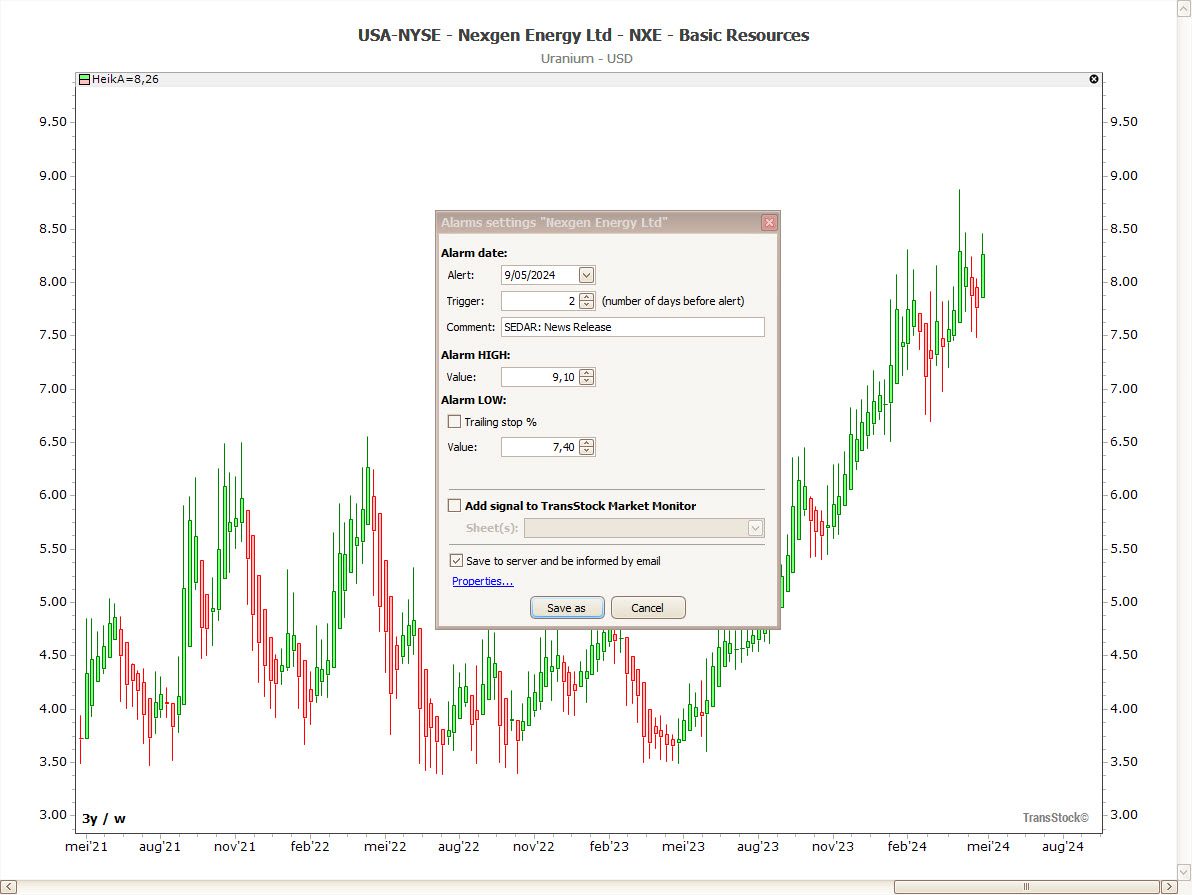

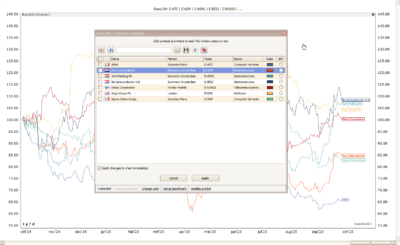
This image shows a three-year weekly overview of Nexgen Energy. Setting alarms helps you manage your energy efficiently.
Always up to date, without having to keep checking the screen. With TransStock Alarms Set targeted alerts on price levels, news, and important dates. You can manage everything clearly in the right-hand favorites panel and optionally email notifications receive. Educational; not investment advice.
Where can you find the alerts?
Open it right favorites panelYou will see four folders: Alarm Dates/News, Alarm Highs, Alarm Lows en Your Configured AlarmsHere you can manage all set alerts in one overview.
Price alerts: High & Low
Put one Alarm High above the current price (potential resistance/target) or a Alarm Low below the current price (potential support/risk). Tip: lower an Alarm High onder the current close, then it immediately appears in the list and is active.
Example
For NexGen Energy (NYSE, close $8,45) you can e.g. set an Alarm High on $ 9,10 set and an Alarm Low on $ 7,40The alarm list remains empty until the conditions are met; at that point, the value appears in the appropriate folder.
News & date alerts
Book a news/date alert a few days in front of an event (e.g. results, filing) so that you are prepared for volatility. In the example, you receive 2 days' notice of an SEDAR filing for NexGen.
Email notifications
No time for continuous monitoring? Switch email notifications You will then automatically receive a message when your condition is affected—useful during rapid market movements or busy workdays.
Set up alerts in 3 steps
- Choose type – price (High/Low), news/date or your own configuration.
- Set conditions – price level(s), date/offset or news event and (optional) email.
- Management & cleanup – Everything is in the right panel; you can delete all entries with one click if you want.
Extra: TransAlert add-on
With TransAlert (add-on for TransStock) miss fewer opportunities: proactively monitor companies or sectors and receive targeted alerts.
Would you like to hear immediately when your favorite level or event is approaching?
Set TransStock Alerts for price, news, and data—and optionally receive email notifications. This way, you can react at the right time!
4,6 / 5