Williams Alligator in TransStock: a clear trend picture with Lips, Teeth & Jaw

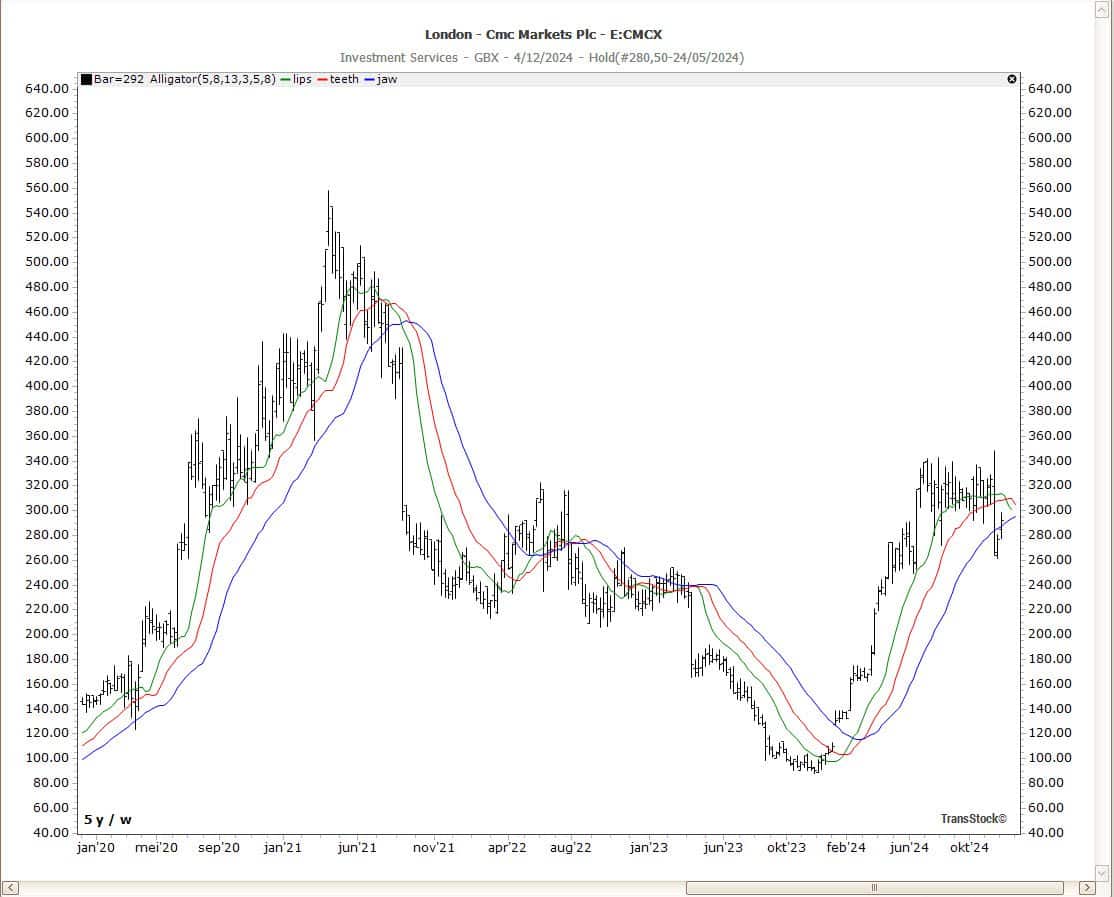


Recognize trends faster, reduce noise. De Williams Alligator Place three balance lines (Lips, Teeth, Jaw) on your chart so you can see consolidation and trend phases more clearly.
In TransStock Activate the indicator in just a few clicks and adjust the parameters to suit your style.
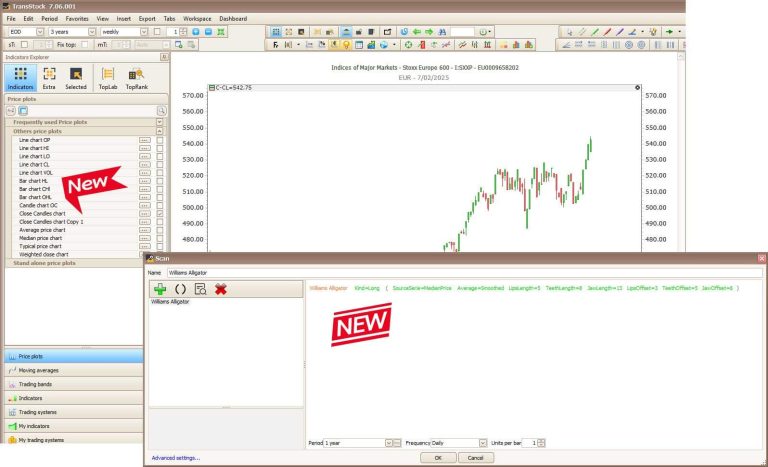
Activate Alligator in TransStock
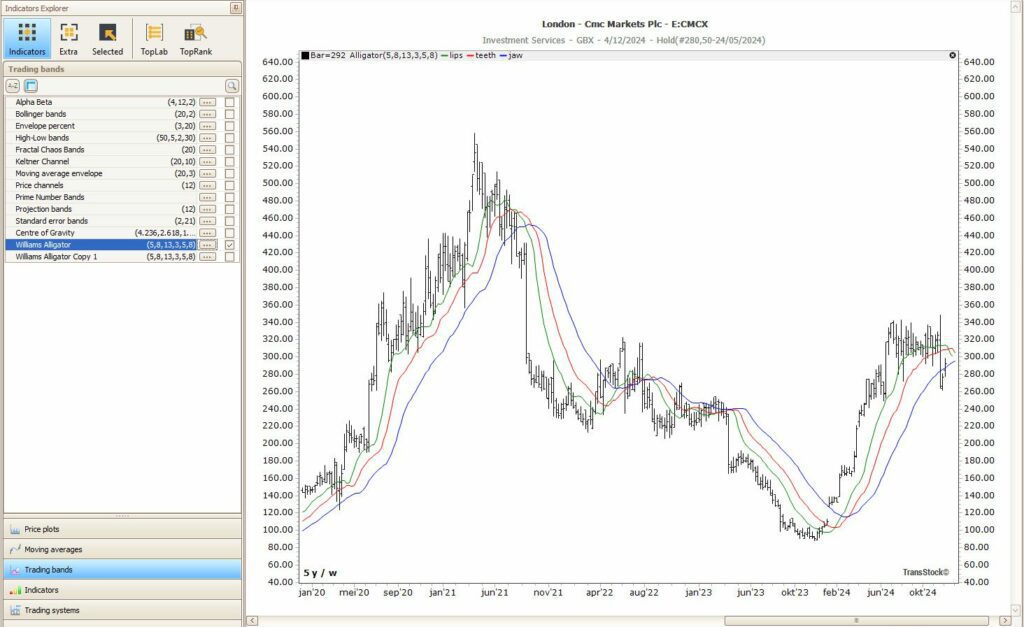
- Open the explorer indicators → Trading Bands → Williams Alligator (check).
The lines will appear immediately on your chart. - Double click on the indicator name in the Indicator list to open settings (source, averaging, lengths, offsets).
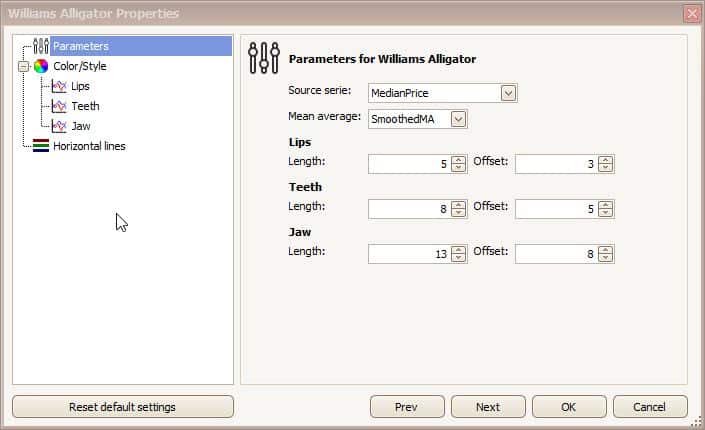
Settings: source, averaging, Fibonacci lengths & offsets
- Source Series: for example → Median Price.
- Mean Average: Smoothed MA for a calmer trend line.
- Lengths: Lips= 5, Teeth= 8, Yes W=13 (Fibonacci sequence).
- Offsets: project forward, for example Lips=3, Teeth=5, Jaw=8.
How to read trends with the Alligator
- “Wake up”: lines start to spread → start of a trend phase.
- "To sleep": lines converge → momentum decreases; trend is exhausted.
- “Crossings”
- upward crossings (Lips↑ over Teeth/Jaw)
often give the first trend hint - downward crossings the opposite.
- upward crossings (Lips↑ over Teeth/Jaw)
Practical tip
Combine the Alligator with a calm price display such as the Close Candle) for clear pivot zones and less noise—useful for refining entry points.
Want to see trends faster in TransStock?
Activate the Williams Alligator and work with clear trend phases—from consolidation to movement, without noise.
Disclaimer: The information on this blog is for educational and informational purposes only. It does not constitute investment advice. Investing involves risks. Always do your own research before making any financial decisions.